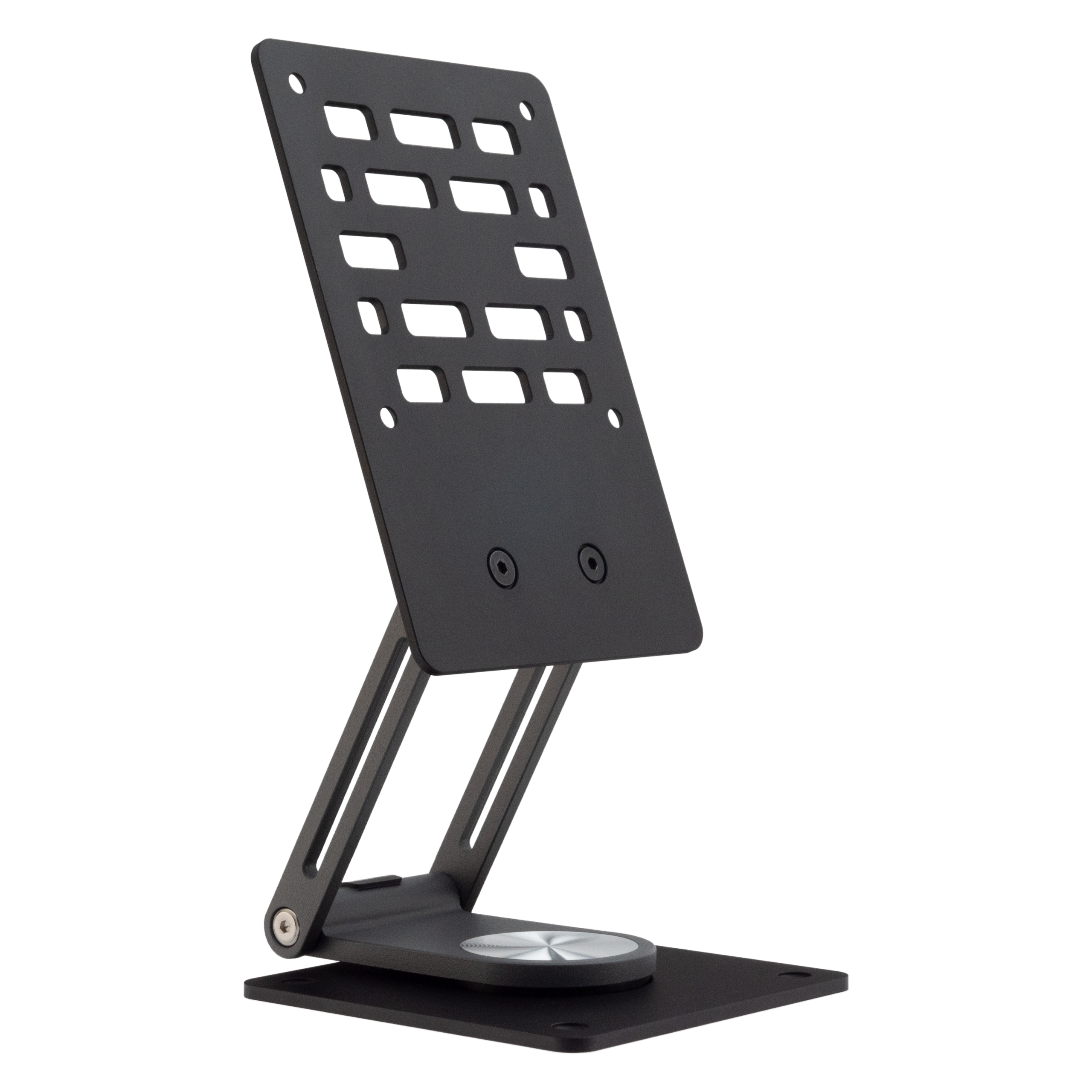
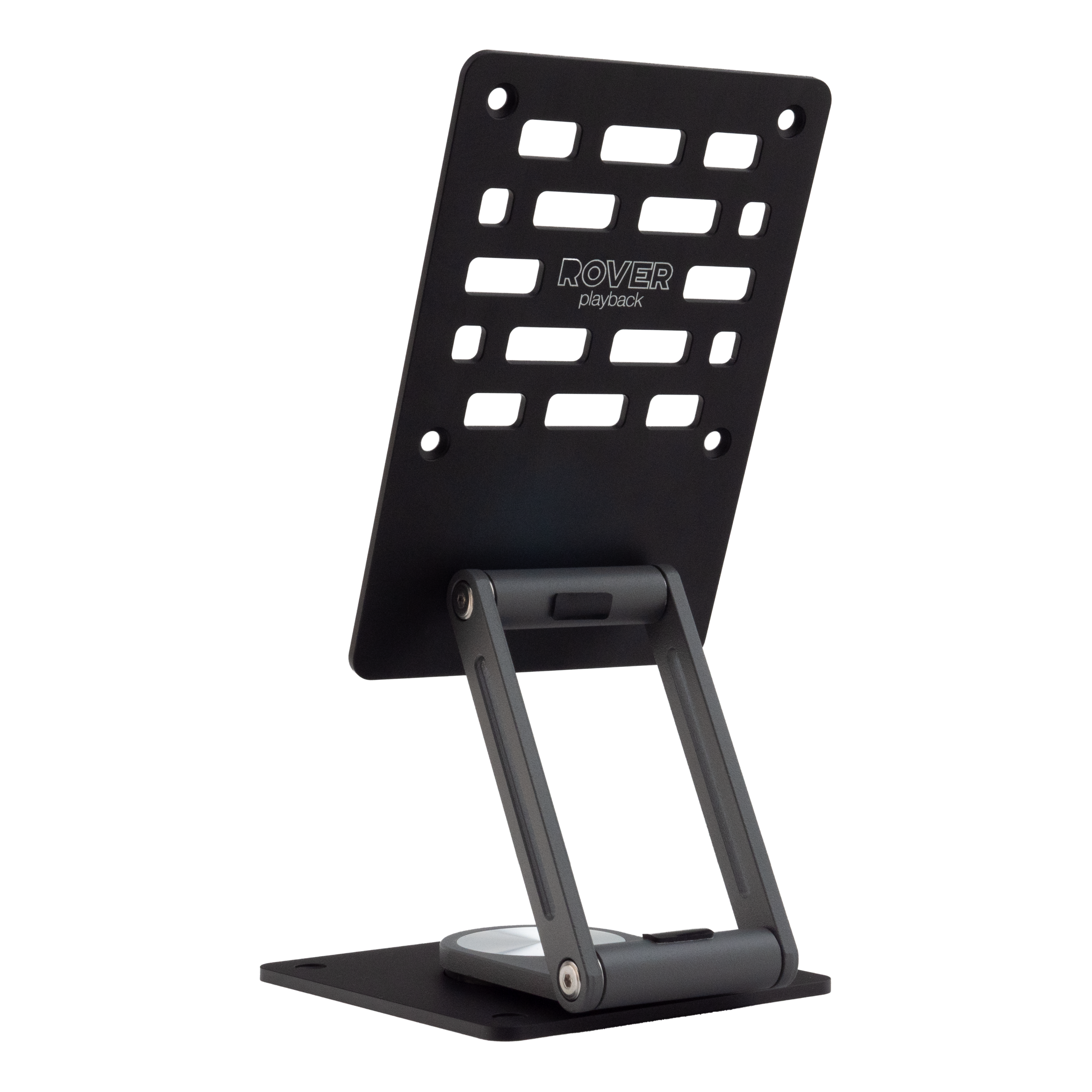
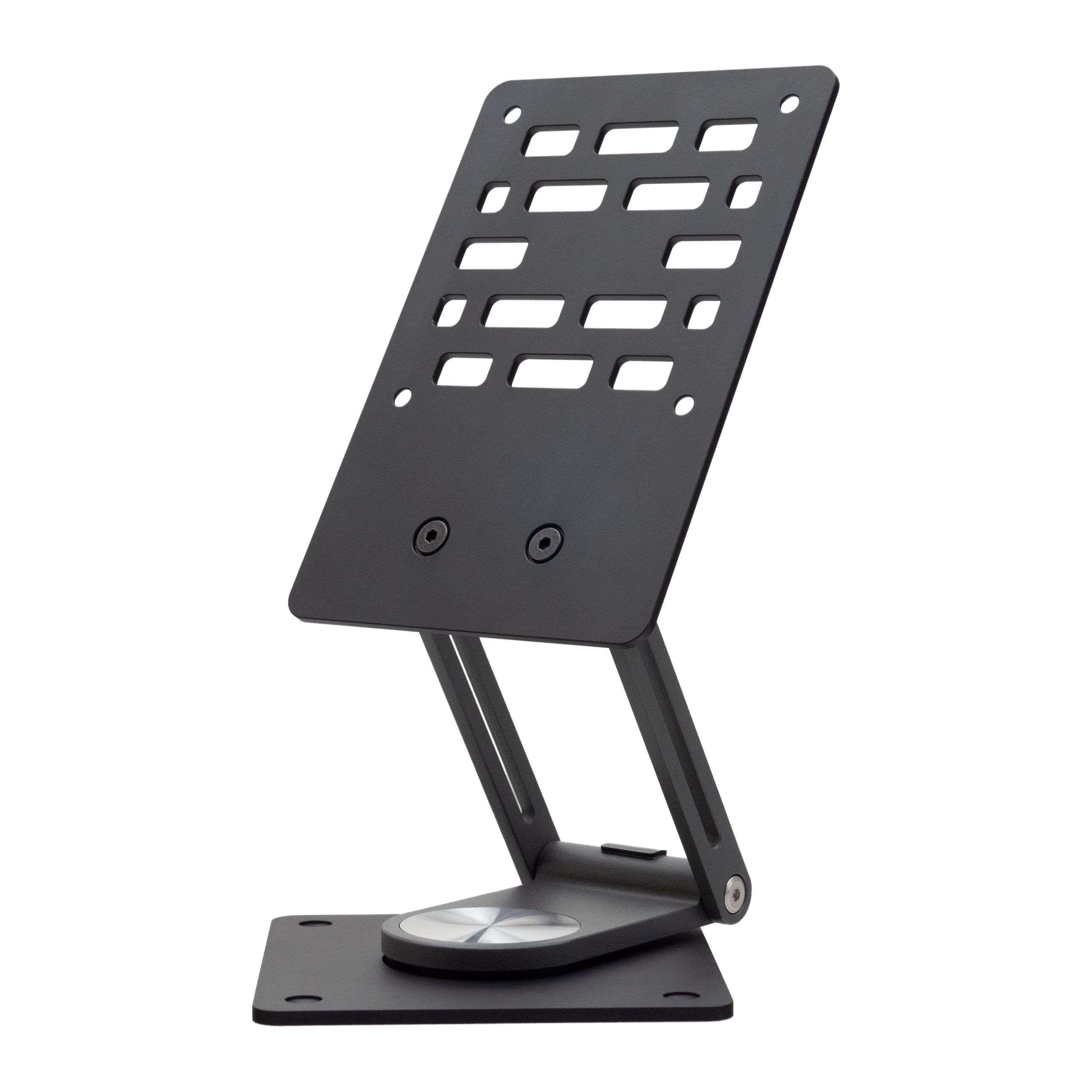
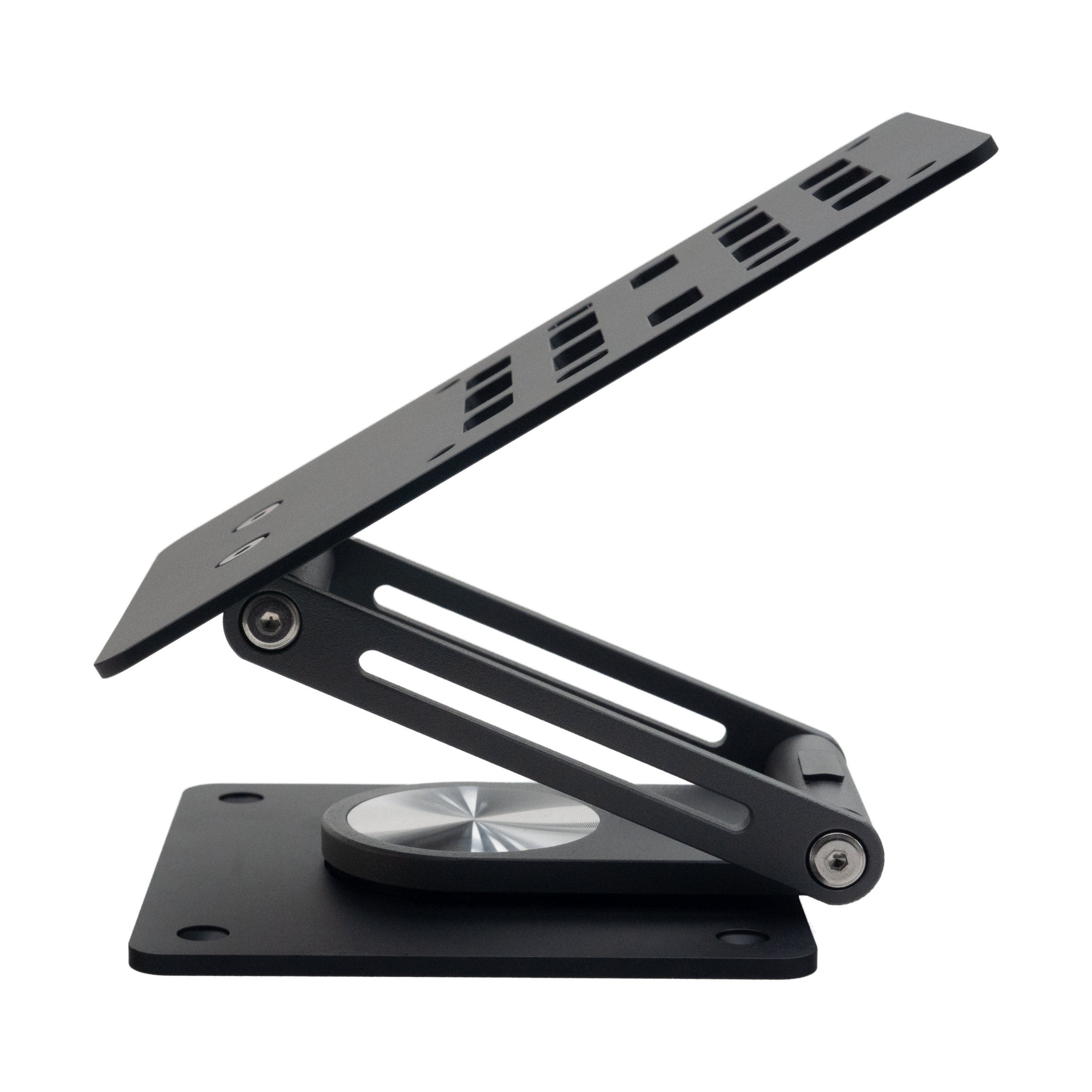
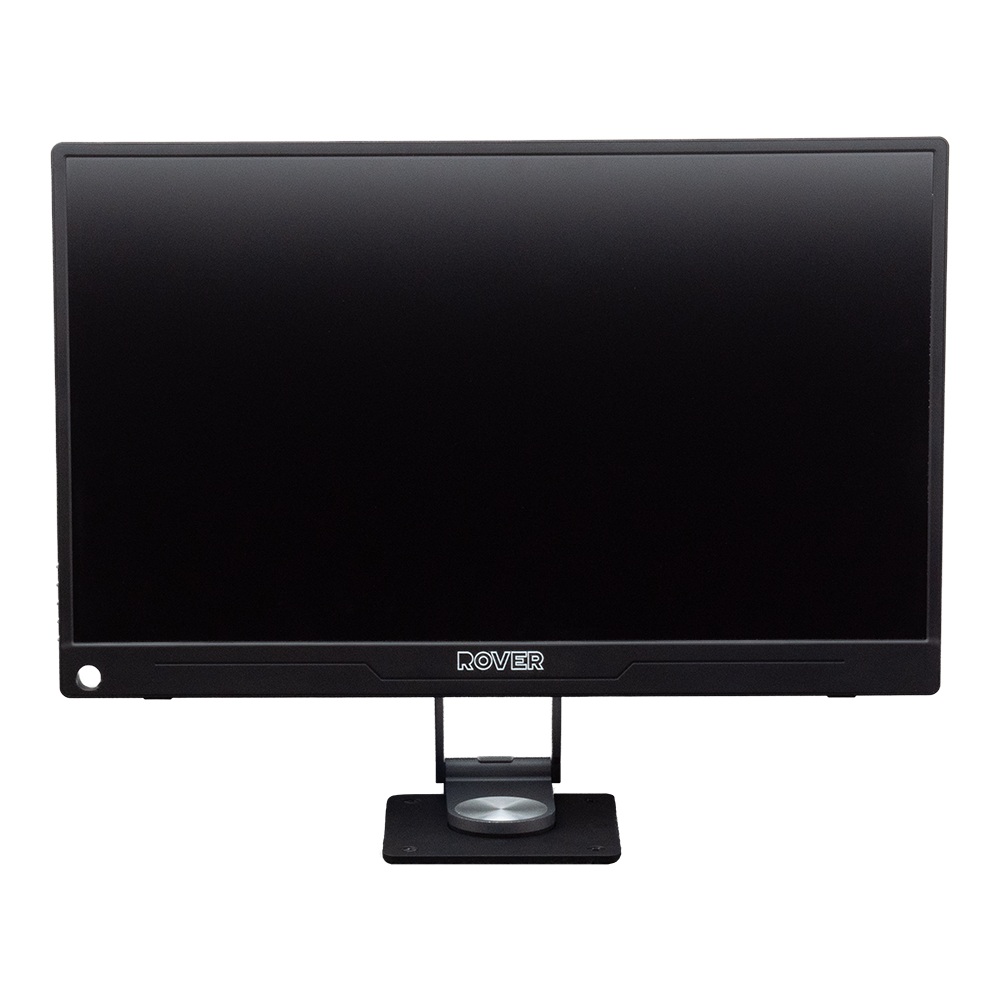
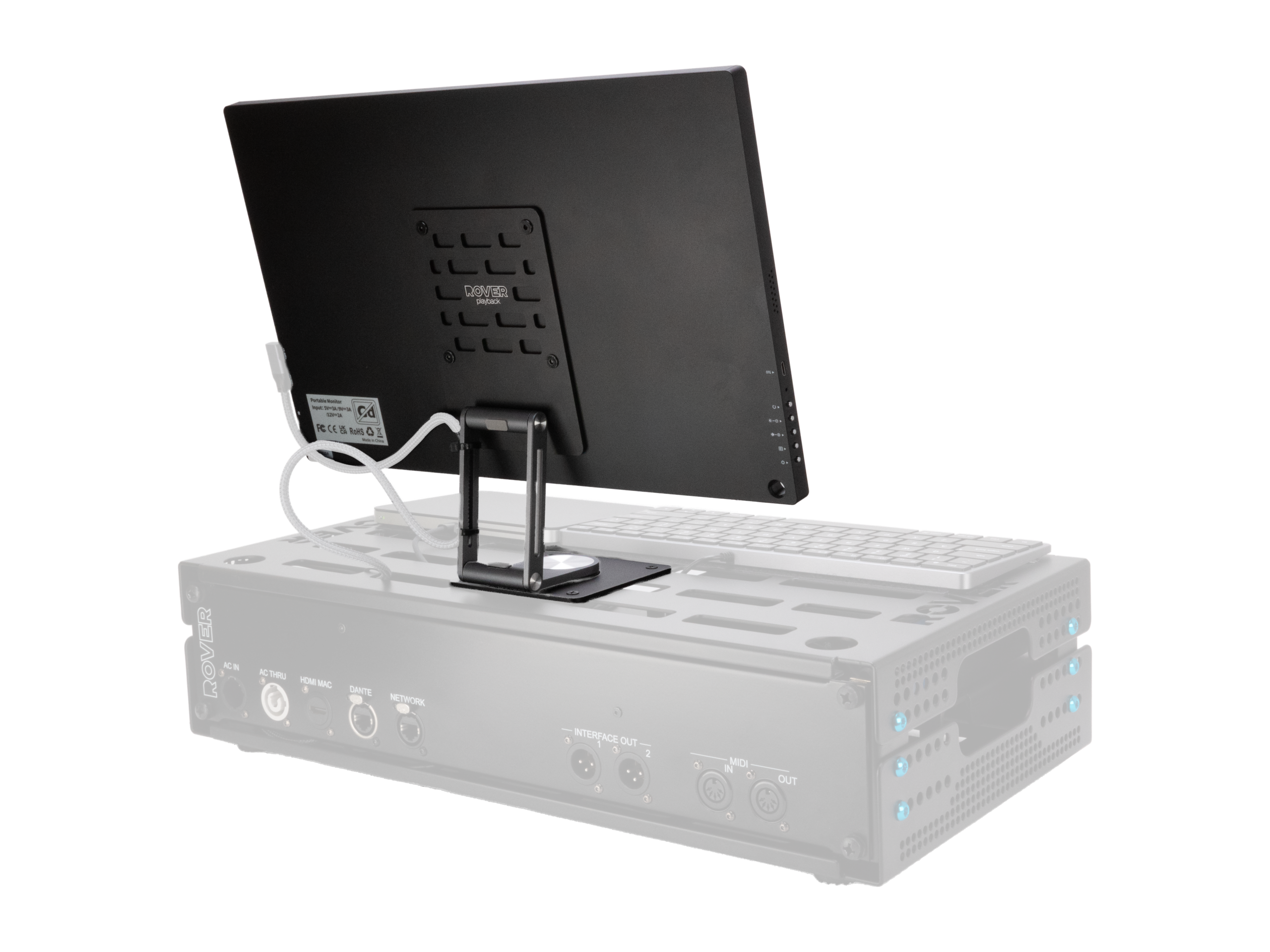
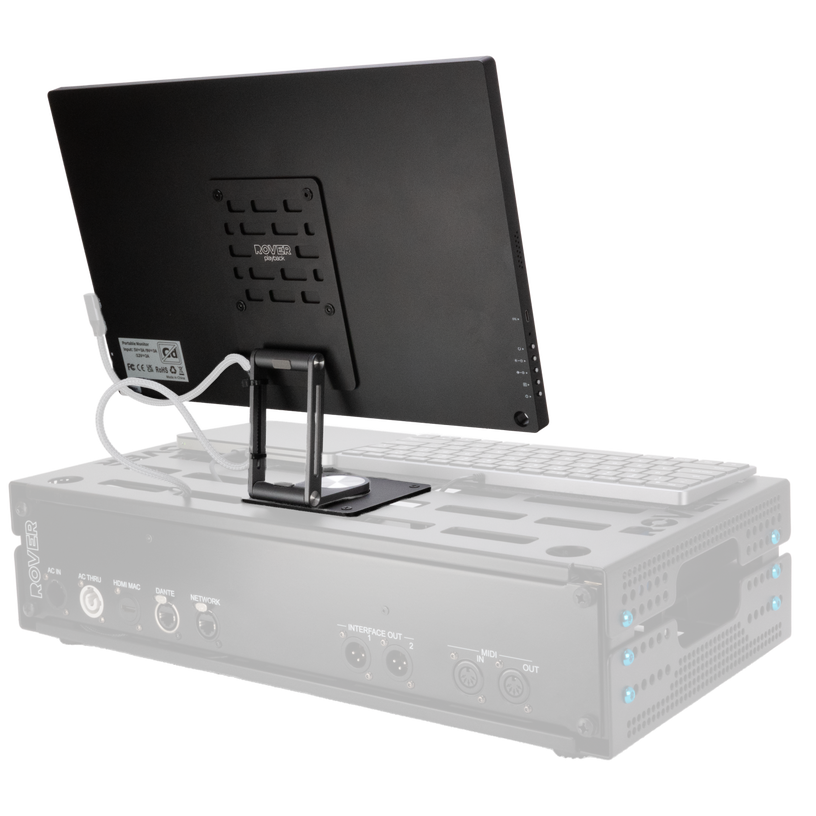
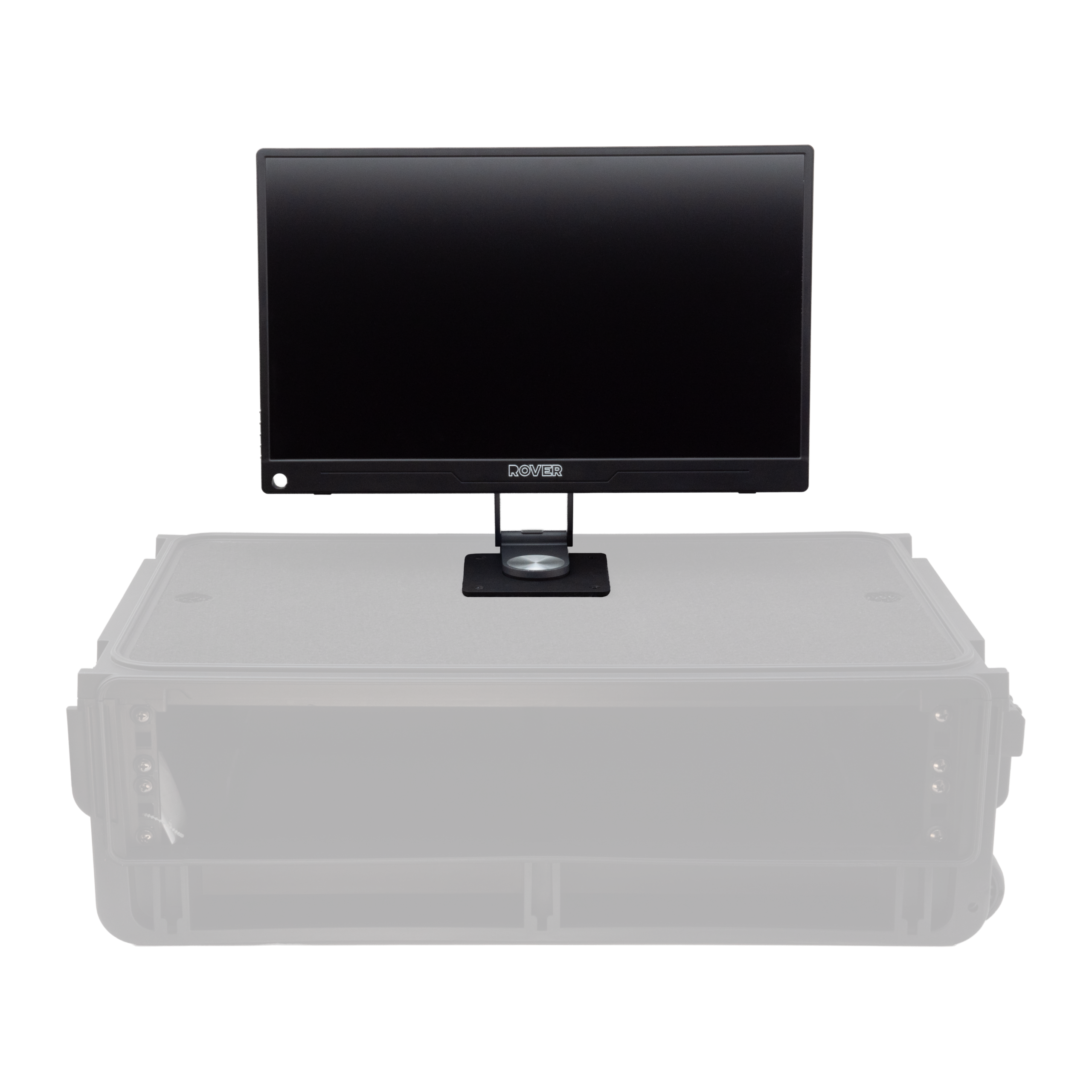
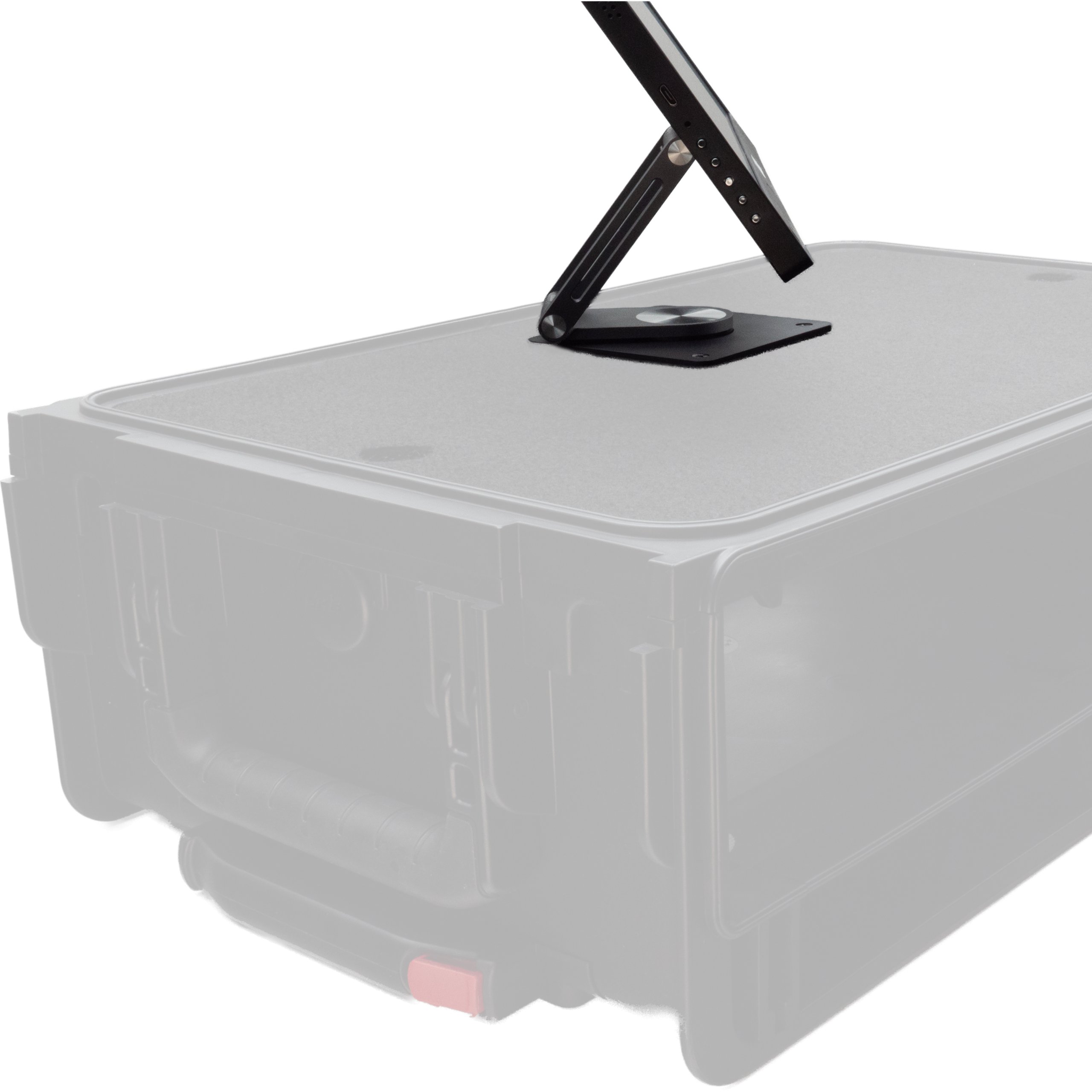
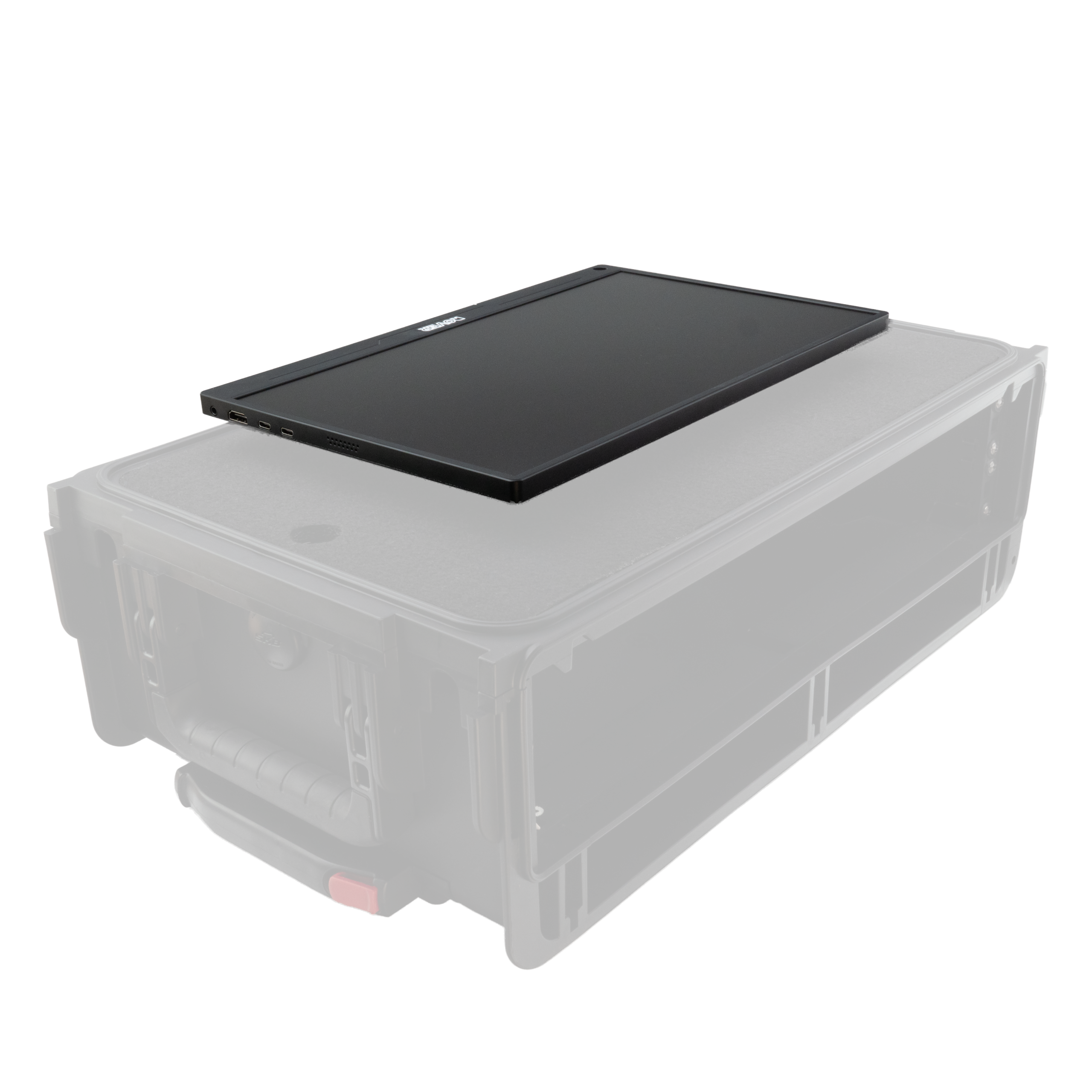
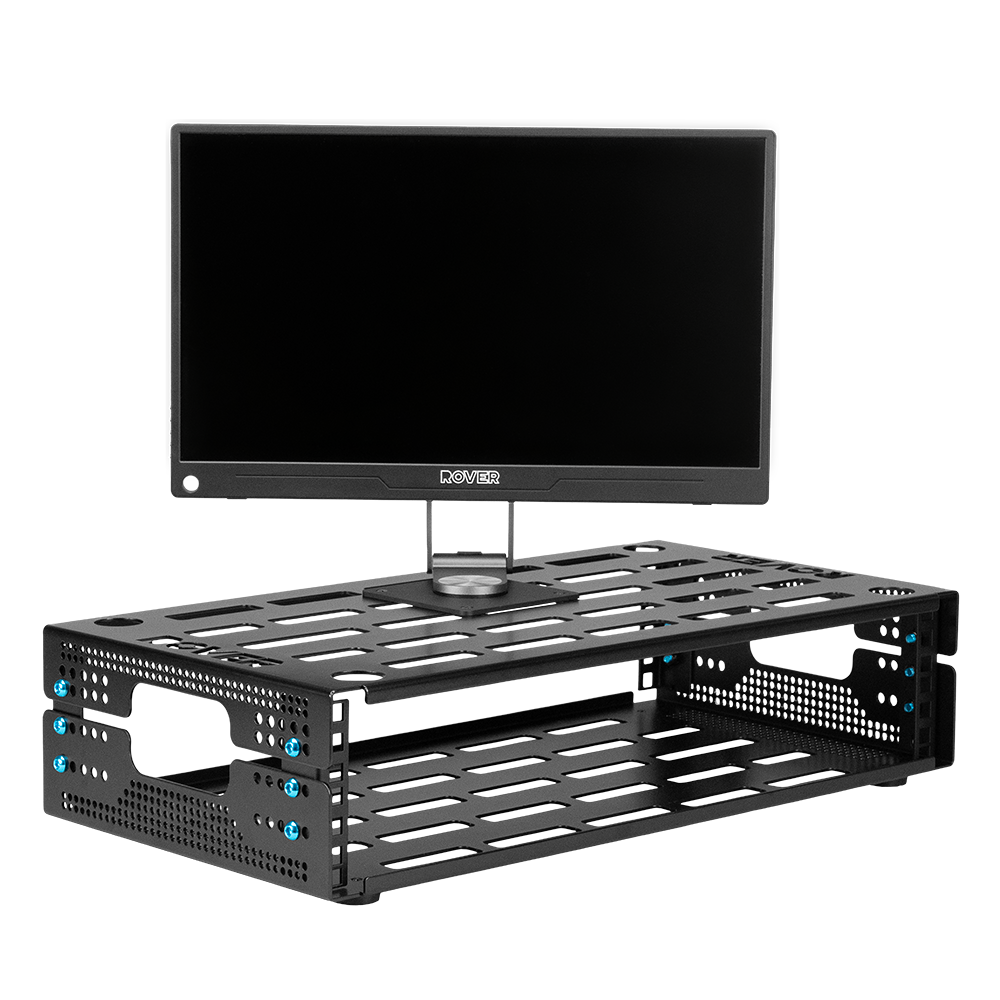
Compact and lightweight swivel stand designed for VESA-compatible monitors up to 18.5″. Built from high-grade aluminum and carbon steel — sturdy, portable, and rack-ready.
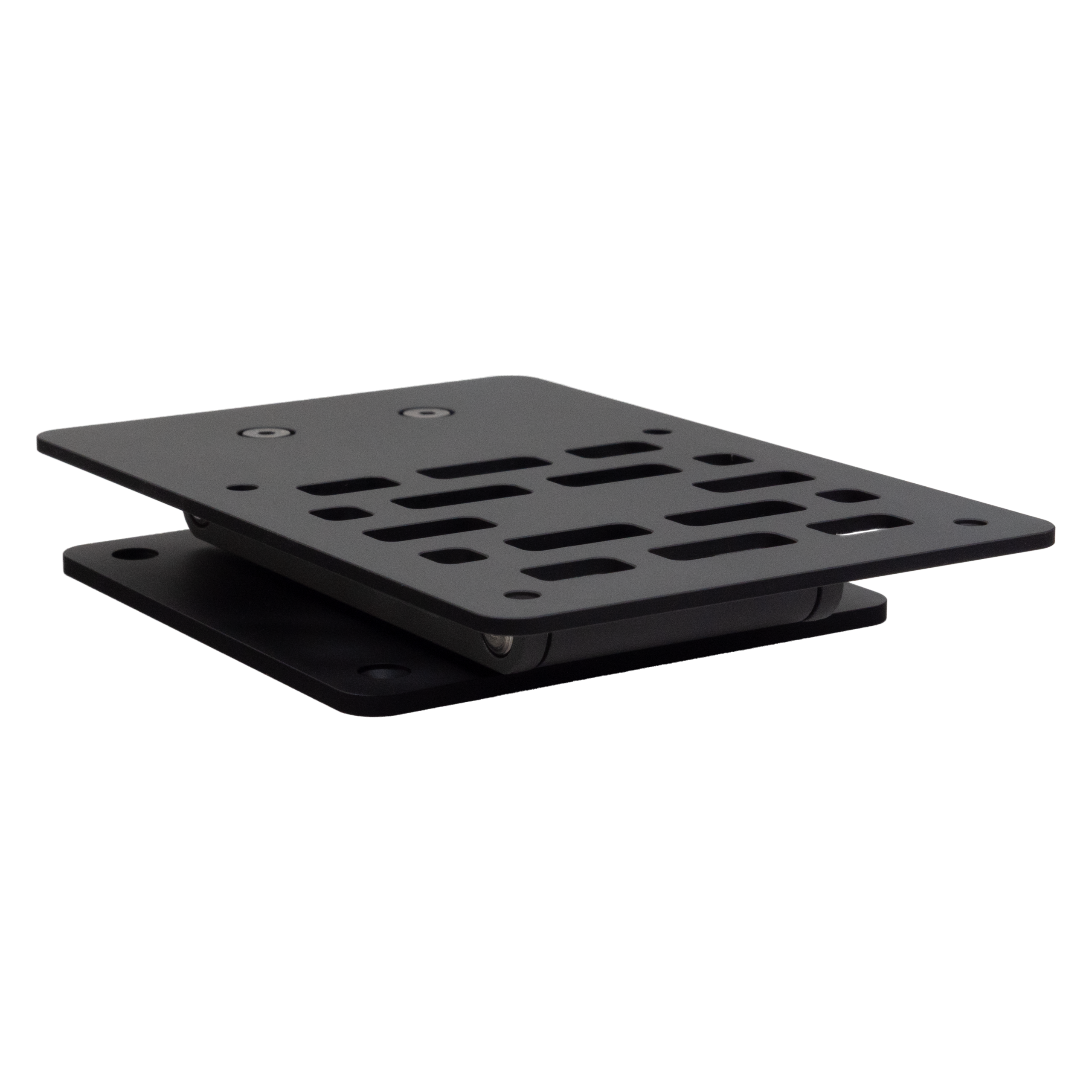
- Compact & Flexible — Folds to an ultra low-profile design with full 360° rotation and effortless monitor positioning.
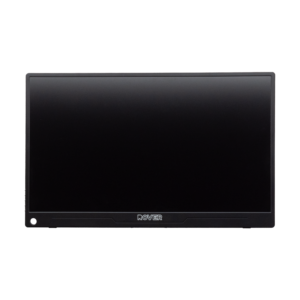
- VESA Compatible — Four VESA mounting holes plus four base plate holes to secure the stand to your rack. Designed for the ROVER 15.6″ monitor or any VESA monitor up to 18.5″.
- RoverRack Ready — Mounts directly onto a 2U or 2.25U RoverRack, no drilling. Holes align perfectly with rack slots. Fits inside a Pelican 1535 case with monitor attached.
- StudioFlyer Ready — Mounts in a StudioFlyer case without sacrificing rack space. Requires drilling four small holes in the top shelf.
Specifications
Weight
216 g
Dimensions open
95 × 105 × 201 mm
Dimensions folded
95 × 140 × 21 mm
VESA
75 × 75 mm
Material
Aluminium & carbon steel
Finish
Matte black + grey
What’s in the Box
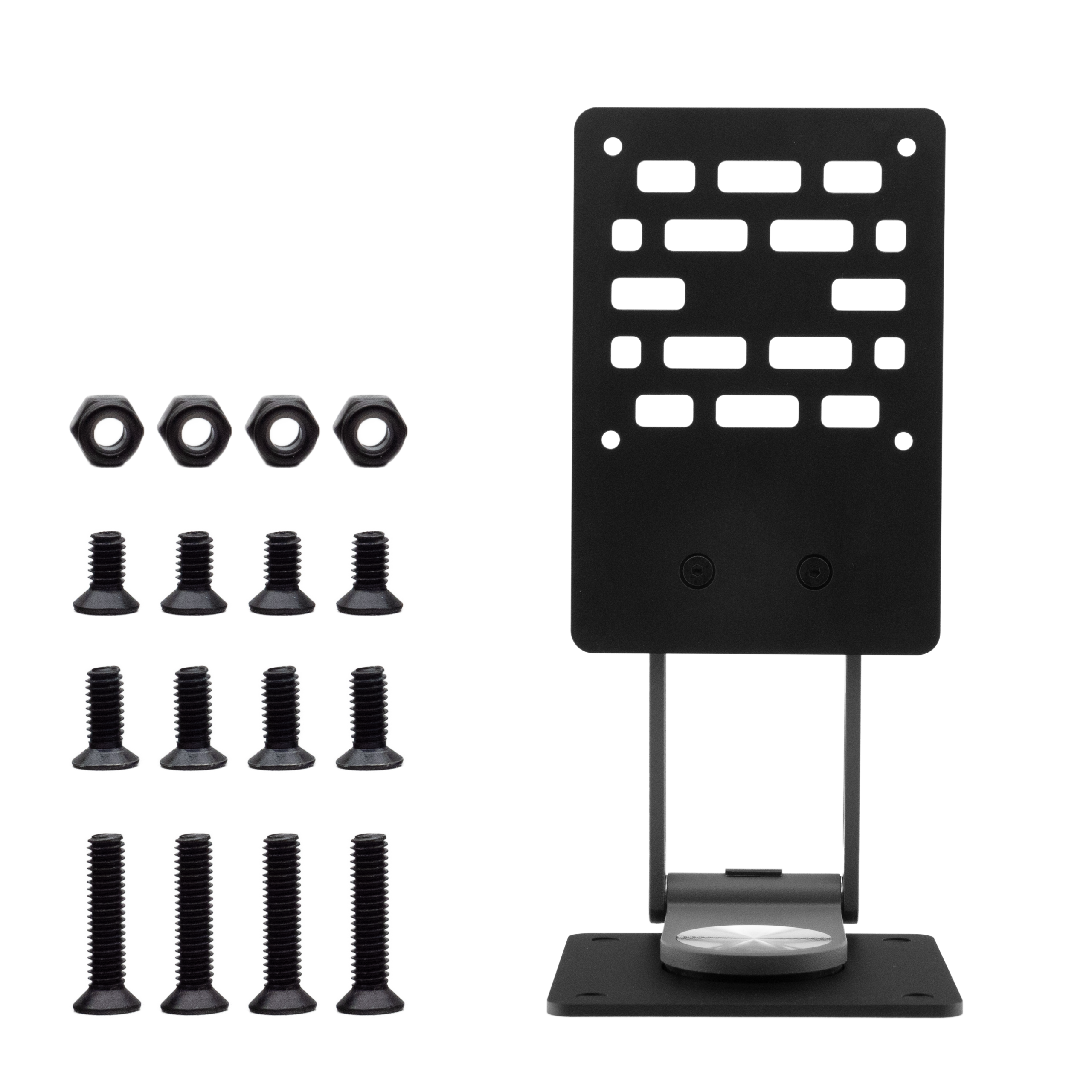
- 1× Swivel Stand
- 4× Bolt M4×18mm — StudioFlyer 2U/4U
- 4× Bolt M4×10mm — RoverRack 2U & 2.25U
- 4× Bolt M4×8mm — Monitor to stand
- 4× Locking Nut M4
Installation Guides
Note: Mount the swivel stand to the rack before attaching the monitor.
- Step 1 Open the swivel stand and align the base plate holes with four slots on top of the RoverRack. For a 15.6″ monitor, slide the base plate fully toward the back of the rack.
- Step 2 Insert the four M4×10mm bolts from the top through the base plate into the RoverRack slots. Loosely fasten all four bolts.
- Step 3 Tighten the M4 locking nuts underneath. Hold each bolt with a screwdriver while tightening with a hex wrench until the base plate sits firmly with no movement.
- Step 4 Attach the monitor to the stand using the M4×8mm bolts.
Note: Mount the swivel stand to the case before attaching the monitor.
- Step 1 Open the swivel stand and place the base plate against the cable pass-through at the back of the Velcro shelf. Leave enough space at the front for a keyboard or trackpad. Mark the four mounting hole positions on the top shelf.
- Step 2 Remove the stand and drill four 4mm holes at the marked positions.
- Step 3 Reposition the stand and align the holes. Insert the four M4×18mm bolts from the top through the base plate and drilled holes.
- Step 4 Secure with the included M4 locking nuts underneath. Hold each bolt with a screwdriver while tightening with a hex wrench until firm.
- Step 5 Attach the monitor to the stand using the M4×8mm bolts.